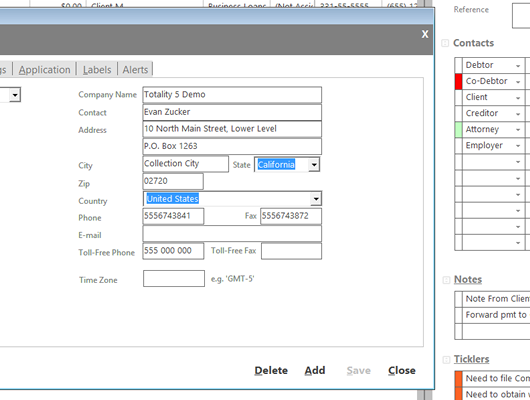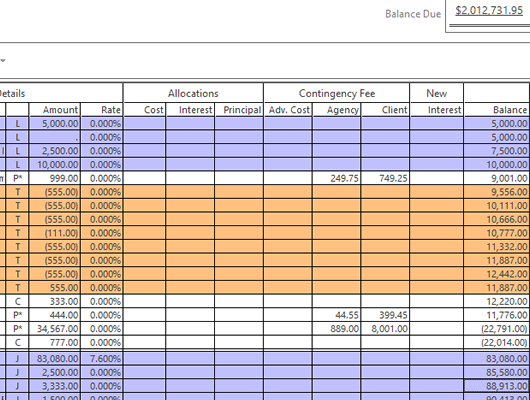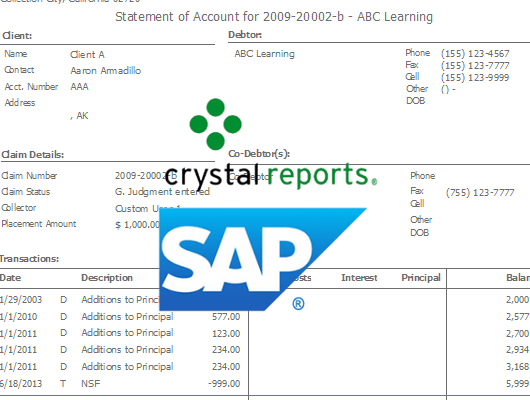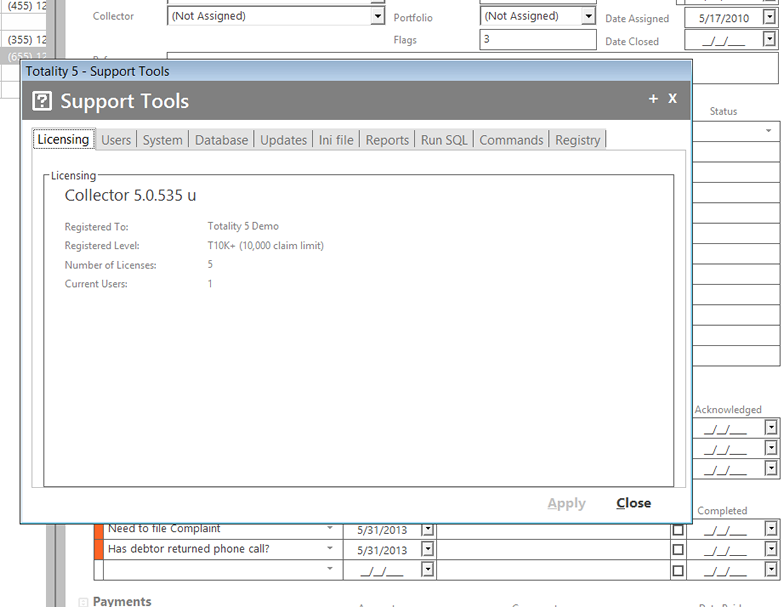



Totality quickly and easily adapts to your needs. Law firms, collection agencies, and businesses — medical and dental practices, real property management, and more — use Totality debt collection software to manage their collection activities.
Get Totality debt collection software with just the right set of features to match your needs. Collection law practices need Totality with its court and lawsuit features, while collection agencies and businesses managing their own collection activities will appreciate Totality Collector designed specifically for them.
Our debt collection program is the most affordable collection agency software and law firm software, and it is the easiest to learn. You will master Totality in minutes. If you handle collections, then you need Totality debt collections software or Totality Collector collection agency software— the easy to use debt collection software for law firms and collection agencies.
All the same features as in current T5 version. Ease of access from any device from anywhere. Contact us for more info.
Collection Agency Software for the small to mid-sized debt collection agency. Totality Collector is an excellent choice for start-up collection agencies because Totality Collector is the only collection software specifically designed for the small to mid-sized collection agency.

With a nationally recognized and awarded brand, your collection data is in good hands.
And now with Totaltiy 5, things have gotten even better. More features, faster response time and intuitive interface make Totality 5 the best Totality yet.
With our 100%, 100-day no-risk return policy, there's every reason to put Totality 5 to work today.