

Totality 4 (T4) is packed with new features and improvements to increase your productivity and take advantage of current technology. The newly refined interface makes T4 easier to use than ever. All of the enhancements have been driven by your requests. With more than 120 new features and enhancements you're certain to find the improvements you've been waiting for. We're pleased to be able to bring so many of them to you.
The Top 10 New Features and Enhancements
| 1. Financial Calculations
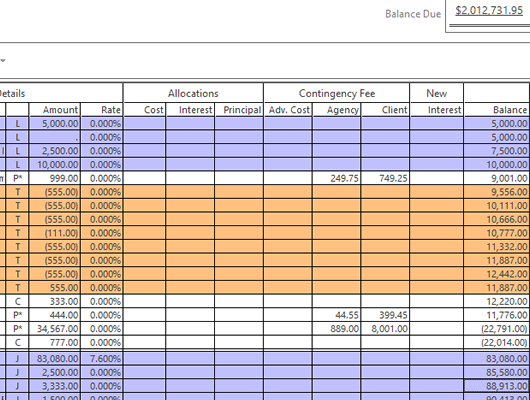
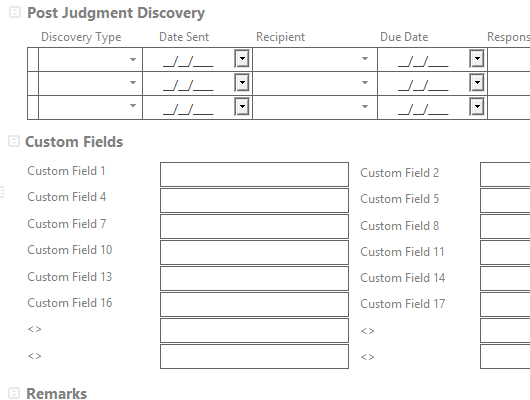
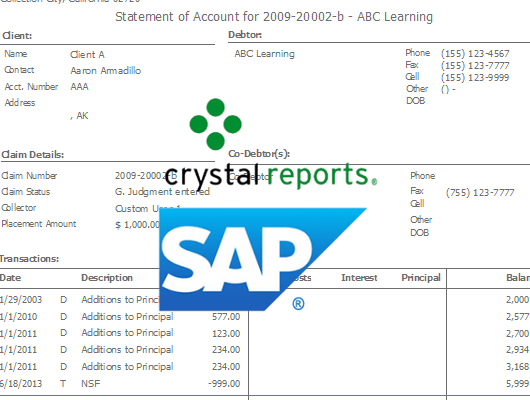
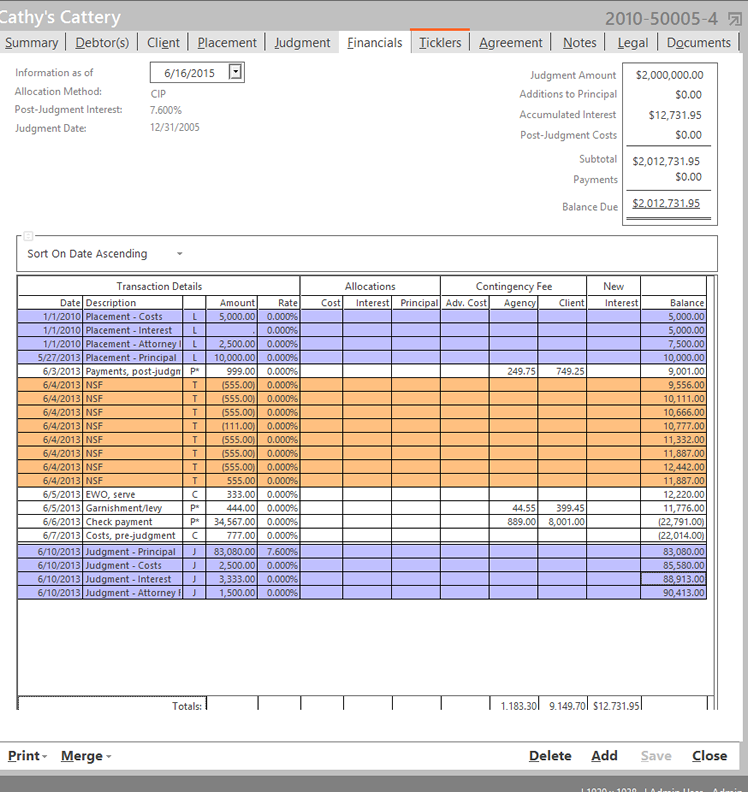
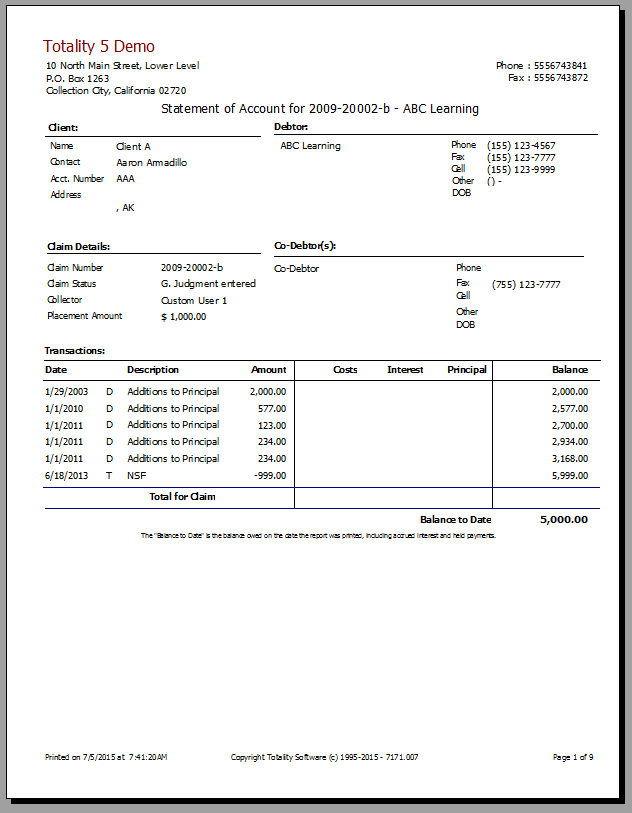
Greater flexibility handling financial transactions, including direct payments to creditors, writing off overpayments, manually adding principal and interest 2. ImportImport claims from Excel® spreadsheets & CSV files 3. Payment AgreementsEnter terms of payment agreement and Totality automatically tracks payments and alerts you to overdue payments 4. Collectors and QueuesAssign claims to collectors – each collector has their own queues for claims, ticklers, and overdue payments 5. Custom Fields and LabelsCreate your own custom fields and labels and change any field label to suit the needs of your business 6. Mail MergeMuch easier and faster 3-step mail merge using Word® or WordPerfect® 7. ReportsMany new and improved reports, single-claim reports can be batched, extensive selection options 8. ArchiveEasily move closed claims to an archive, improving database performance and eliminating clutter 9. Automatic BackupsTotality automatically backs up your data every day and permanently saves a series of backups 10. SearchImproved searching capability and more search fields help you quickly find exactly the information you need
|
Schedule & Monitor Payment Agreements
This all new feature sets up, calculates and monitors Payment Agreements. Simply enter the agreed amount, interest rate, payment frequency, number of payments or payment amount and Totality will automatically schedule every payment (including the final payment amount and date). The all new Payment Queue keeps track of every scheduled payment for every agreement so you'll always know if a payment becomes past due.
Queues
Three brand new Queues make managing your claims easier than ever.
- QuickList – You’ll wonder how you ever lived without the QuickList. Keep it open on your desktop and use it all day to jump from one claim to the next. Sort by Claims, Client, Creditor or Status to quickly and easily locate the exact information you need to monitor your claims and respond to inquiries.
- Ticklers – Start your day with your Tickler List organized in separate tabs for Overdue, Today, and Future. View all your ticklers or sort by tickler type.
- Payments – Simply open your Payment Queue and view every scheduled payment sorted by Overdue, Today and Future. You’ll know exactly what commitments have been met, what you can expect to receive, and what is past due.
Collectors
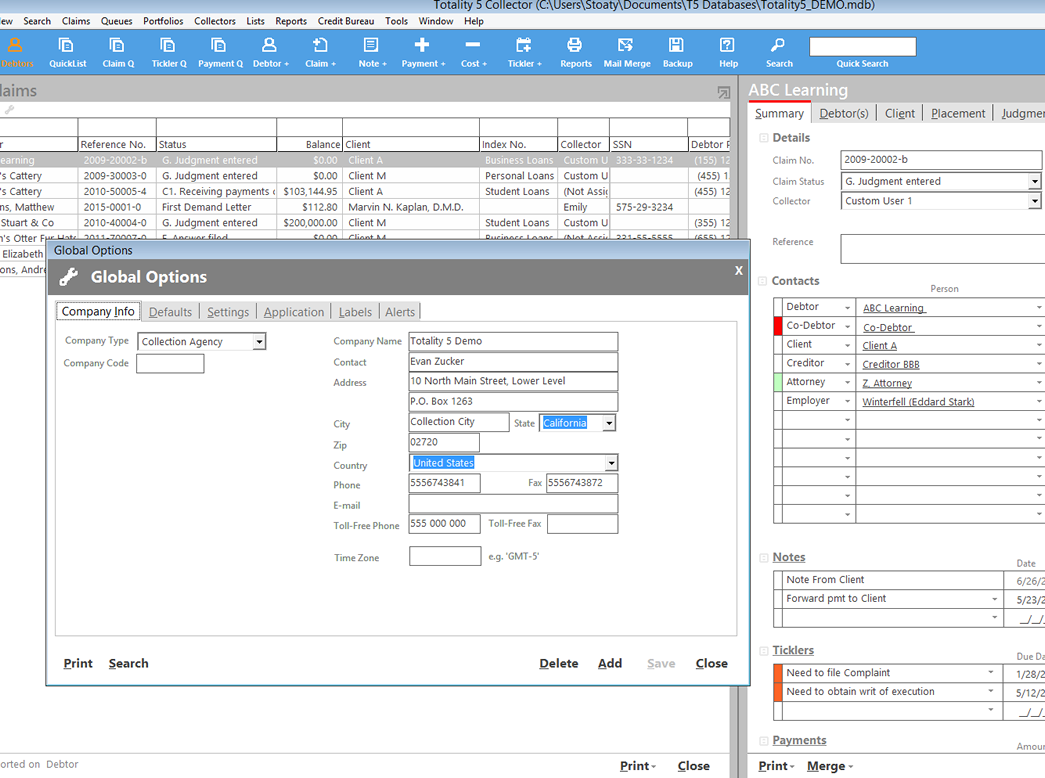
Firms and agencies with more than one collector will love the new Collector capabilities. Now you have the ability to assign claims to a particular collector, set up Totality so that the collector only has access to his or her claims and generate reports based on a specific collector's activities. Administrators and managers can make changes to assignments on a claim or bulk basis.
All New Contact Management
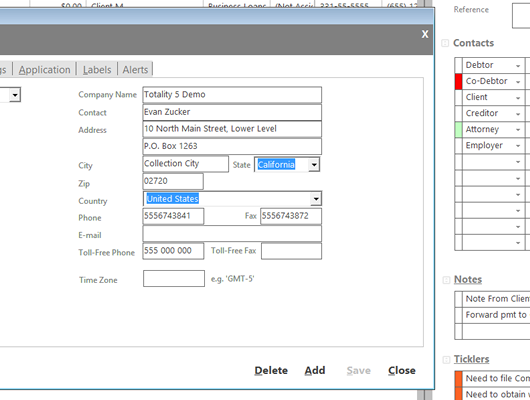
Sophisticated Contact Management lets you enter an unlimited number of contacts, link them to claims and identify the relationship of each contact to each claim. Debtors, creditors, attorneys, employers and all other contacts are accommodated. All contact information is available for quick and easy mail merge and reporting.
All Editions include all features
Mail Merge is included in every edition! The new and improved mail merge feature is tightly integrated with Microsoft Word and Corel WordPerfect.
T4 is fully network capable. Every edition can be run on a network, reducing the 'network upgrade' cost.